
-
×
 Tplink ARCHER C58
2 × KSh 9,900.00
Tplink ARCHER C58
2 × KSh 9,900.00 -
×
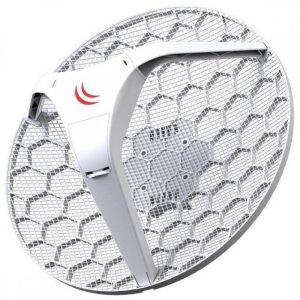 Mikrotik RB LHG5KIT
1 × KSh 39,500.00
Mikrotik RB LHG5KIT
1 × KSh 39,500.00 -
×
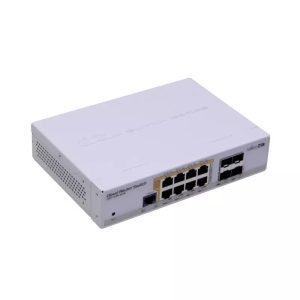 Mikrotik CRS112-8P-4S-IN
2 × KSh 27,500.00
Mikrotik CRS112-8P-4S-IN
2 × KSh 27,500.00 -
×
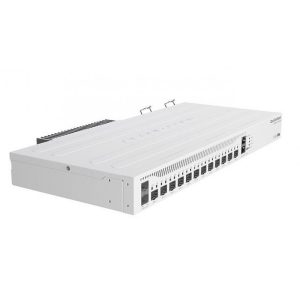 Mikrotik CCR2004-1G-12S-2XS
1 × KSh 87,000.00
Mikrotik CCR2004-1G-12S-2XS
1 × KSh 87,000.00 -
×
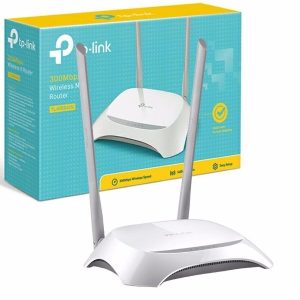 TL-WR840N
1 × KSh 1,900.00
TL-WR840N
1 × KSh 1,900.00 -
×
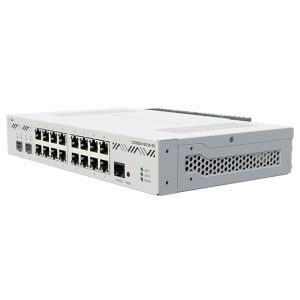 Mikrotik CCR2004-16G-2S+
3 × KSh 66,100.00
Mikrotik CCR2004-16G-2S+
3 × KSh 66,100.00 -
×
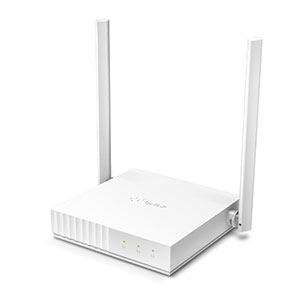 TL-WR844N
1 × KSh 1,600.00
TL-WR844N
1 × KSh 1,600.00 -
×
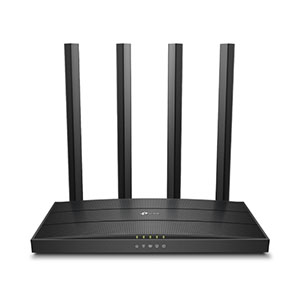 ARCHER C80
1 × KSh 11,600.00
ARCHER C80
1 × KSh 11,600.00 -
×
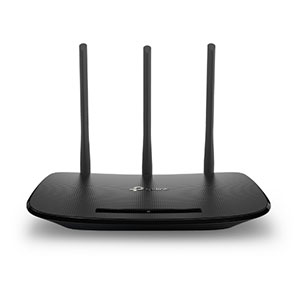 TL-WR841N
1 × KSh 1,900.00
TL-WR841N
1 × KSh 1,900.00 -
×
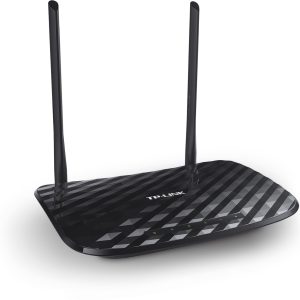 Tplink ARCHER C2
1 × KSh 6,400.00
Tplink ARCHER C2
1 × KSh 6,400.00 -
×
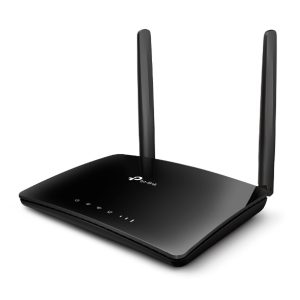 TPLink TL-MR6400
1 × KSh 9,500.00
TPLink TL-MR6400
1 × KSh 9,500.00 -
×
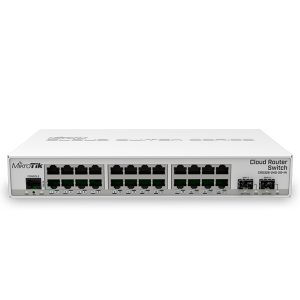 Mikrotik CRS326-24G-2S+RM
1 × KSh 30,000.00
Mikrotik CRS326-24G-2S+RM
1 × KSh 30,000.00 -
×
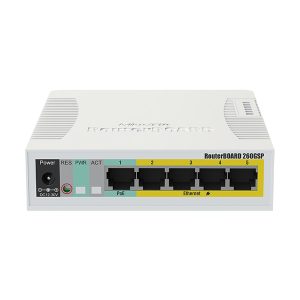 Mikrotik RB260GSP/CSS106-1G-4P-1S
1 × KSh 10,500.00
Mikrotik RB260GSP/CSS106-1G-4P-1S
1 × KSh 10,500.00 -
×
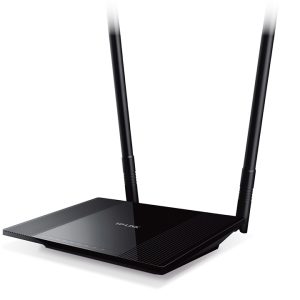 TPlink TL-WR841HP
1 × KSh 5,800.00
TPlink TL-WR841HP
1 × KSh 5,800.00 -
×
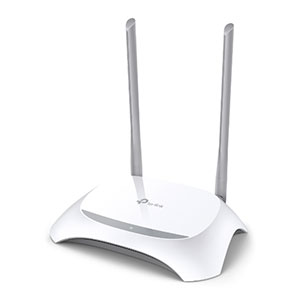 TL-WR940N
1 × KSh 3,250.00
TL-WR940N
1 × KSh 3,250.00 -
×
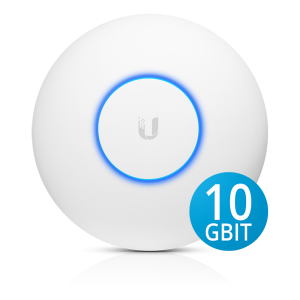 UAP XG
2 × KSh 104,500.00
UAP XG
2 × KSh 104,500.00 -
×
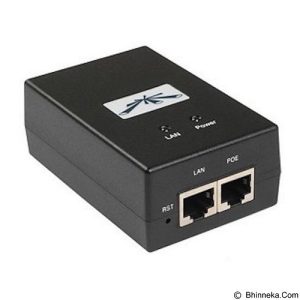 Uiquiti POE 24-1A-NON GIGA
1 × KSh 1,500.00
Uiquiti POE 24-1A-NON GIGA
1 × KSh 1,500.00 -
×
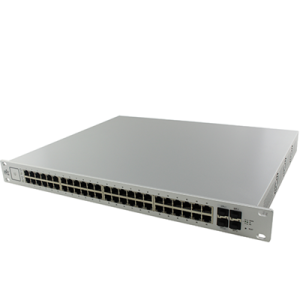 Ubiquiti Us-48-500w
1 × KSh 179,000.00
Ubiquiti Us-48-500w
1 × KSh 179,000.00 -
×
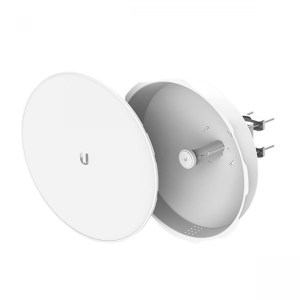 Ubiquiti ISO-5AC
1 × KSh 15,700.00
Ubiquiti ISO-5AC
1 × KSh 15,700.00 -
×
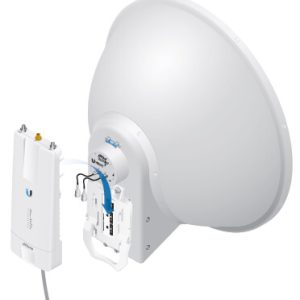 Ubiquiti AirFibre AF 5G 30S 45
1 × KSh 31,500.00
Ubiquiti AirFibre AF 5G 30S 45
1 × KSh 31,500.00 -
×
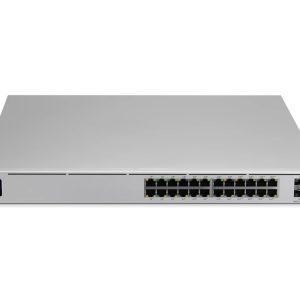 Ubiquiti USW PRO 24-POE
1 × KSh 151,000.00
Ubiquiti USW PRO 24-POE
1 × KSh 151,000.00 -
×
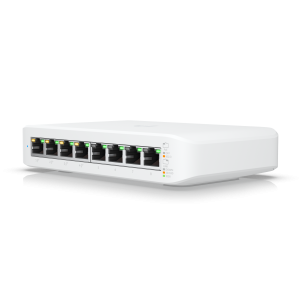 Ubiquiti USW LITE 8 POE
1 × KSh 21,500.00
Ubiquiti USW LITE 8 POE
1 × KSh 21,500.00 -
×
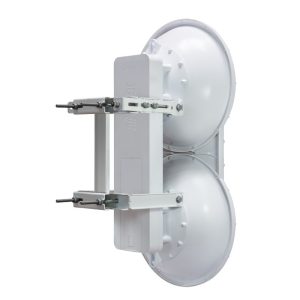 Ubiquiti Air fibre 5u
1 × KSh 162,500.00
Ubiquiti Air fibre 5u
1 × KSh 162,500.00 -
×
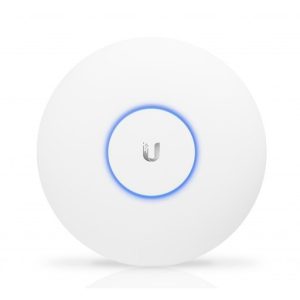 UBNT UNIFI AC PRO
1 × KSh 27,000.00
UBNT UNIFI AC PRO
1 × KSh 27,000.00
Subtotal: KSh 1,280,750.00
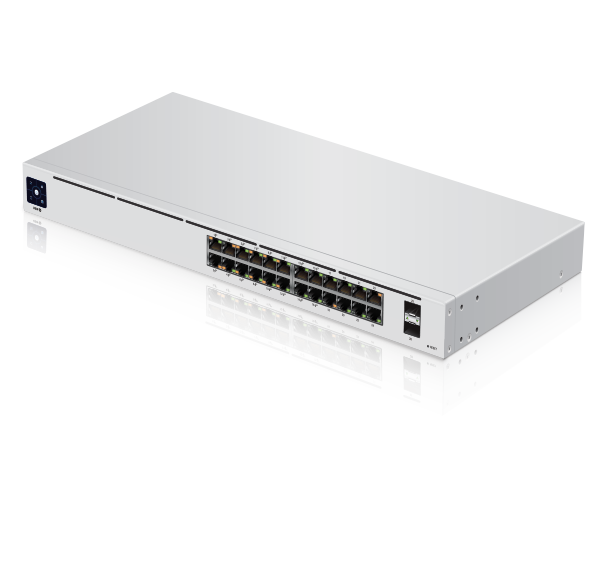
 Touchscreen Display
 RJ45 PoE LED (Ports 1 – 16)
 RJ45 Speed/Link/Activity LED (Ports 1 – 24)
 SFP Speed/Link/Activity LED (Ports 25 – 26)
 RJ45 (Ports 1 – 16)
 RJ45 (Ports 17 – 24)
 SFP (Ports 25 – 26)
 Reset Button
 Power Port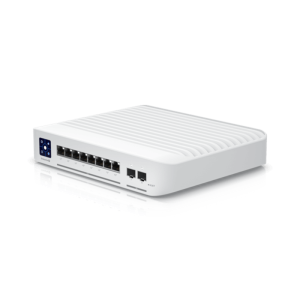

There are no reviews yet.